How I host my website
2026-05-10
A short write about "from nothing to this blog"
Motivation
Sudden ideas of having personal website started to crawl into my mind 2 weeks before the final exam. This is a normal phenomenon that the period before the final exam is when I am the most motivated to do EVERYTHING except STUDY. And also I am influenced by websites of my upperclassman and a friend of me. So in simple term, this is just a random thought and I just decided the time had come.
What to do now?
Basically, I do not know much about web hosting. So I ask my friend (Thanks MinhTon) and he recommended Cloudflare for both hosting and domain registration.
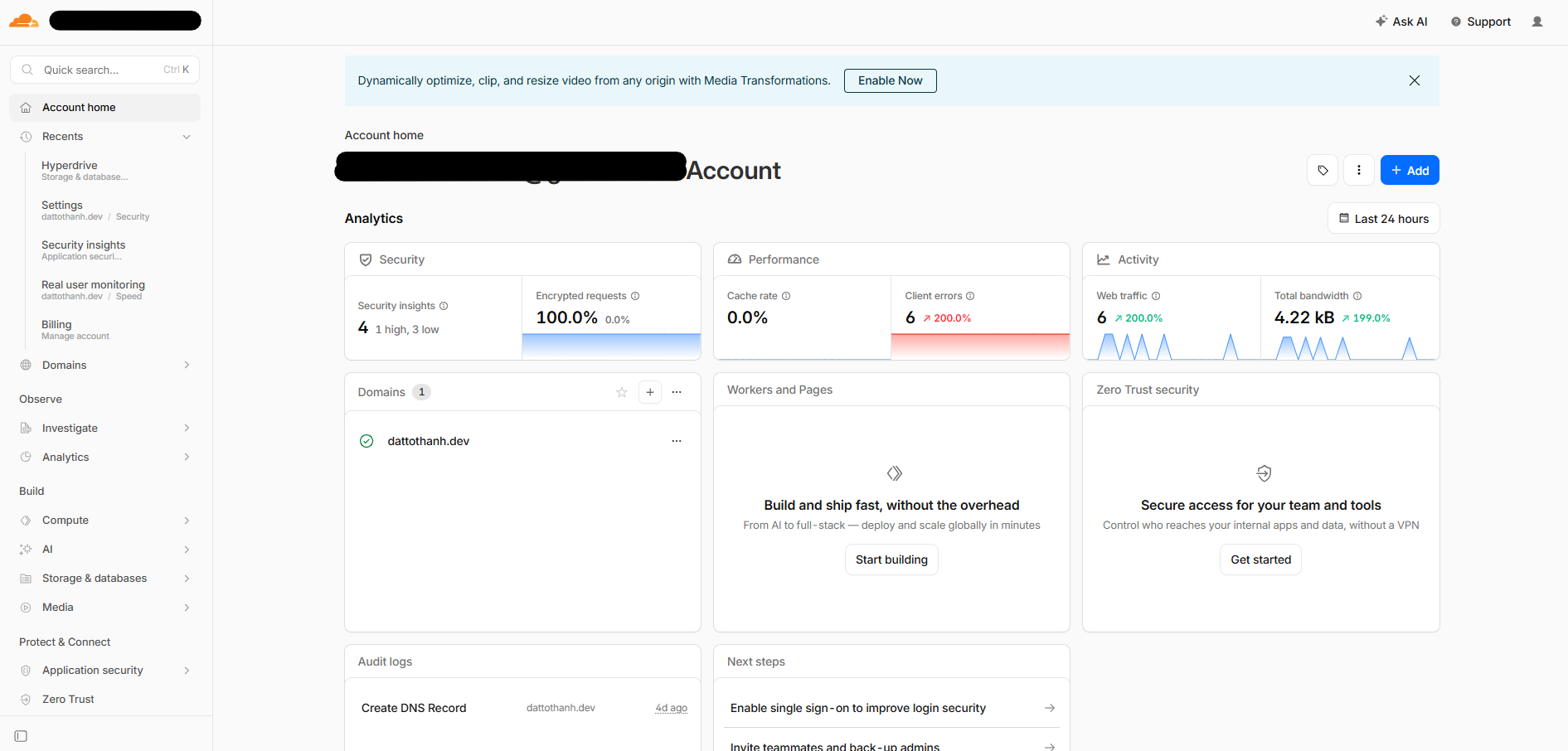
I did some research and found out that it is fairly easy to host a website. I ask for some advices from a junior (Thanks VML) and he guide me to set up using Github repo and connect the repo to Vercel to deploy after I register a domain on Cloudflare. Thankfully, Vercel allow automatically configuration, so I do not have to do much work. All that I need to do in Vercel is create a project, import the website repo, review the settings, press "Deploy" and wait for it to build before adding my domain in "Domains" section.
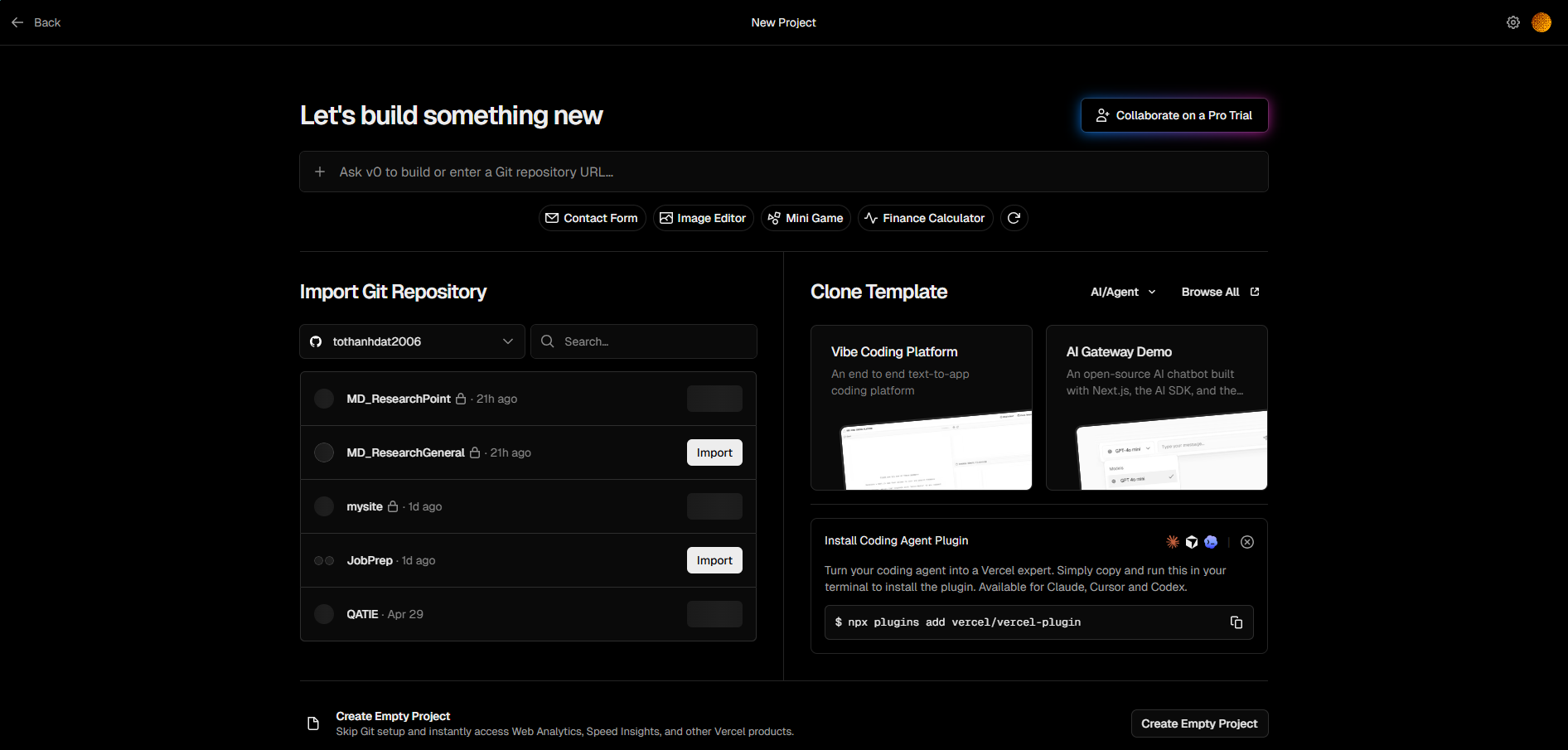
To summary, I register (actually its "buy") a domain name using Cloudflare (for 12.2 dollars a year), setup website repo in Github and host it using Vercel. Great!
What's next?
If you want to change the website, you just code the website, push to the repo you imported before and enjoy while Vercel automatically build everything for you.