Prepare for your interview? Try this website
AI-powered interview gap analysis, personalized study roadmaps, and panic-mode cheat sheets.
Repository: https://github.com/tothanhdat2006/JobPrep
Overview
This is my midterm project of Computational Thinking course. I introduce JobPrep: a website aims to solve problem of unemployement of recent graduates by helping them prepare for interviews by analyzing skill gaps between a resume and a target job description, then generating prioritized, actionable study roadmaps and an emergency "Panic Mode" cheat sheet.
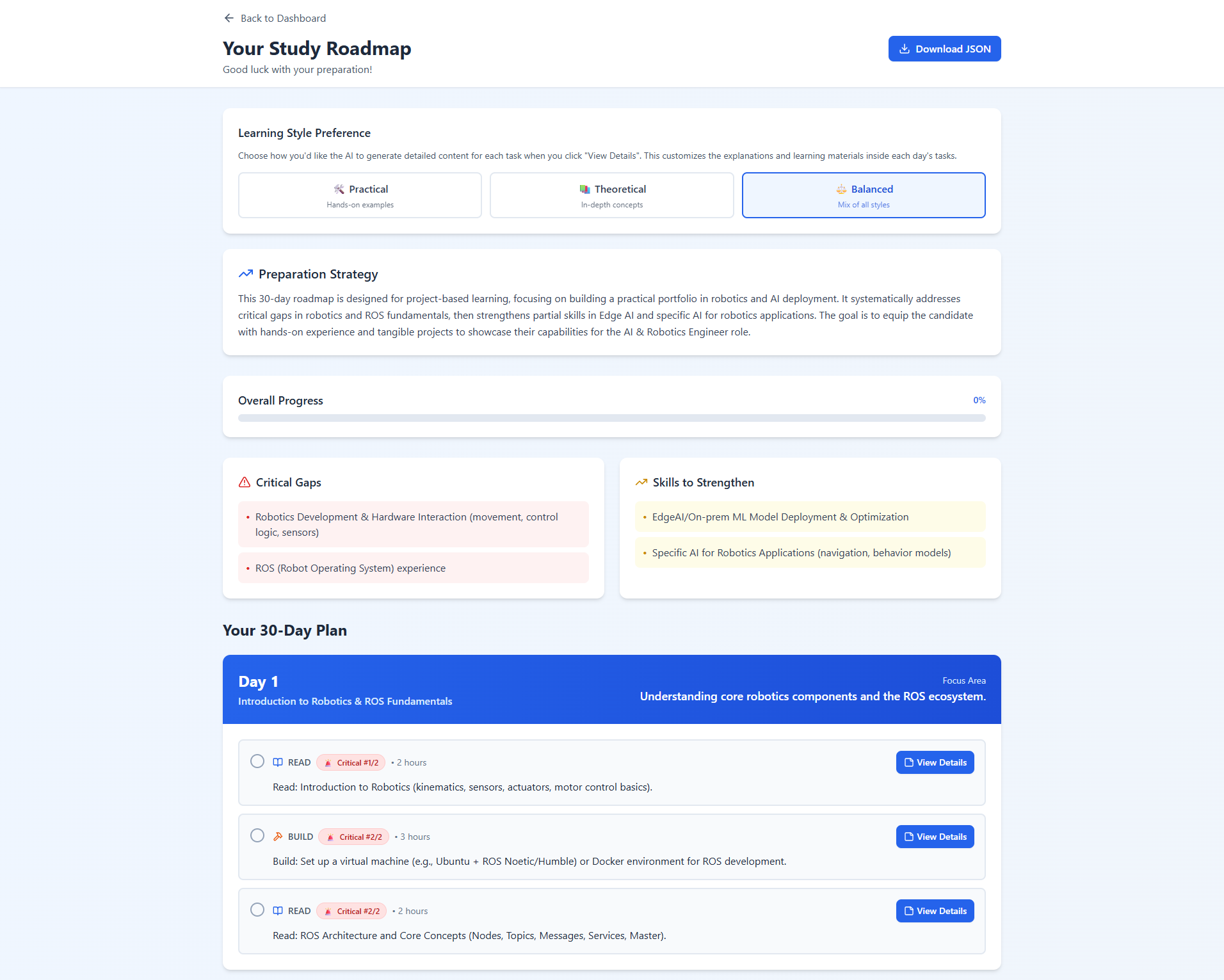
Key features
- AI-powered gap analysis that categorizes strengths, partial knowledge, and critical gaps
- Personalized day-by-day study roadmaps (1–30 days)
- Adaptive role prompting (HR, Technical, Tech Lead, CTO, CEO, Mixed Panel)
- Panic Mode: emergency cheat sheet with quick wins and must-know topics
- Exportable cheat sheets and roadmaps for offline review
Getting started
Clone the repository and run the automated setup script for your platform.
git clone https://github.com/tothanhdat2006/JobPrep.git
cd JobPrep

# Windows
./setup.bat

# or Linux / macOS
chmod +x setup.sh
./setup.sh
The script downloads python, pip, npm and required packages for all. Then it opens a python UI, which allows to configure environment variables and start backend and frontend servers. The frontend runs at http://localhost:5173 and the backend at http://localhost:8000 by default.
Quick usage
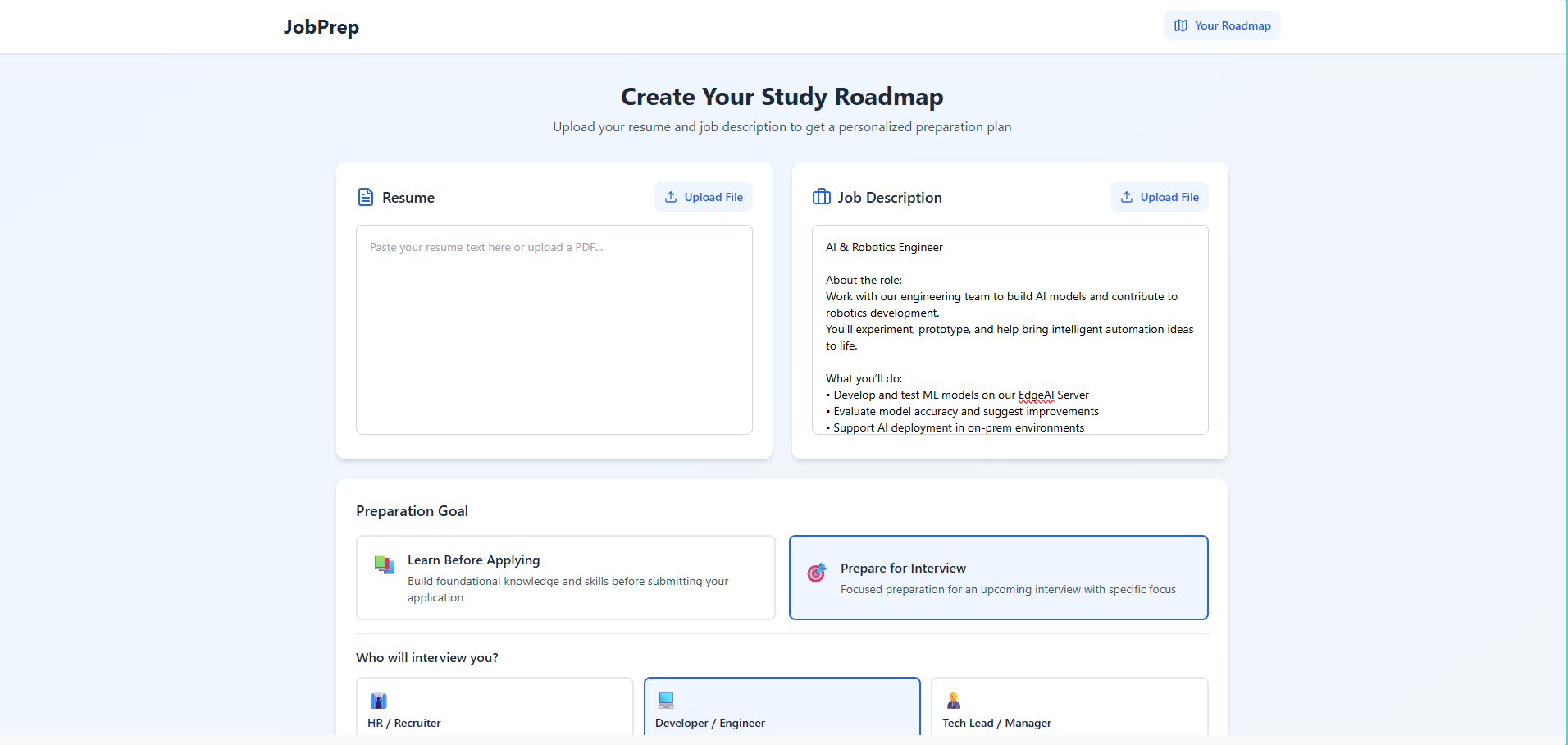
- Open the app at http://localhost:5173
- Upload or paste your resume and the target job description
- Select a preparation timeline (1–30 days)
- Choose a mode: "Interview Mode" or "Learning Mode"
- Generate a study roadmap or use "Panic Mode" for last-minute preparation
Tech stack (summary)
- Frontend: React, Vite, Tailwind CSS
- Backend: FastAPI, Uvicorn
- AI: Google Gemini (API)
- Database: SQLite
Environment variables
If you manually install, you have to create a .env in the backend with at least:
GOOGLE_API_KEY=your_gemini_api_key_here
DATABASE_URL=sqlite:///./jobprep.db
FRONTEND_URL=http://localhost:5173
And in the frontend .env:
VITE_API_URL=http://localhost:8000
Troubleshooting
- If
GOOGLE_API_KEYis missing, add it tobackend/.env. - If frontend fails to connect, ensure the backend is running and
VITE_API_URLis correct. - For setup script errors, run the commands manually (see Quick Start above).